luxurious Field App-Controlled G-Spot Vibrator – Wireless Remote Panty Egg & Clitoral Stimulator
luxurious Field App-Controlled G-Spot Vibrator – Wireless Remote Panty Egg & Clitoral Stimulator
Couldn't load pickup availability
Explore next-level intimacy with this app controlled G-spot vibrator designed for solo play or long-distance couples. Featuring Bluetooth connectivity, remote sharing through the app, and smooth silicone construction, this remote control vibrator gives full control anytime, anywhere.
Crafted from body-safe materials and delivered in discreet packaging, this couples sex toy is perfect for private play at home or thrilling connection across distance.
Specifications
-
Brand Name: Luxurious Field
-
Certification: CE, CCC
-
Commodity Quality Certification: 3C, CE
-
Choice: Yes
-
Function: Remote Control
-
High-Concern Chemicals: None
-
Item Type: Vibrator
-
Material: Silicone
-
Number of Pieces: One Unit
-
Obscene Picture: No
-
Origin: Mainland China
-
Power Supply: Direct Current
-
Sexually Suggestive: No
-
Size: 180 mm × 37 mm
- Type: G-Spot
Features
-
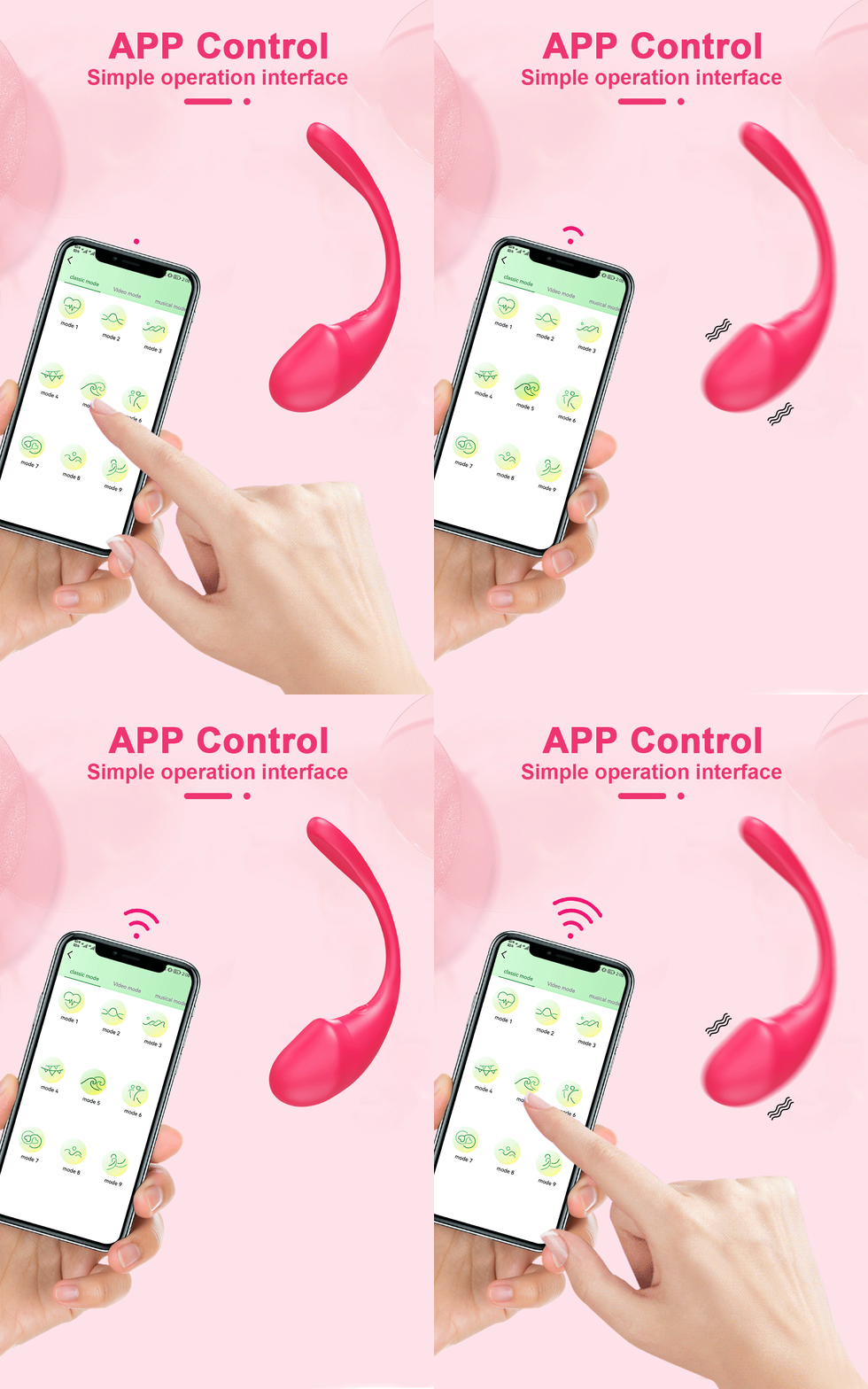
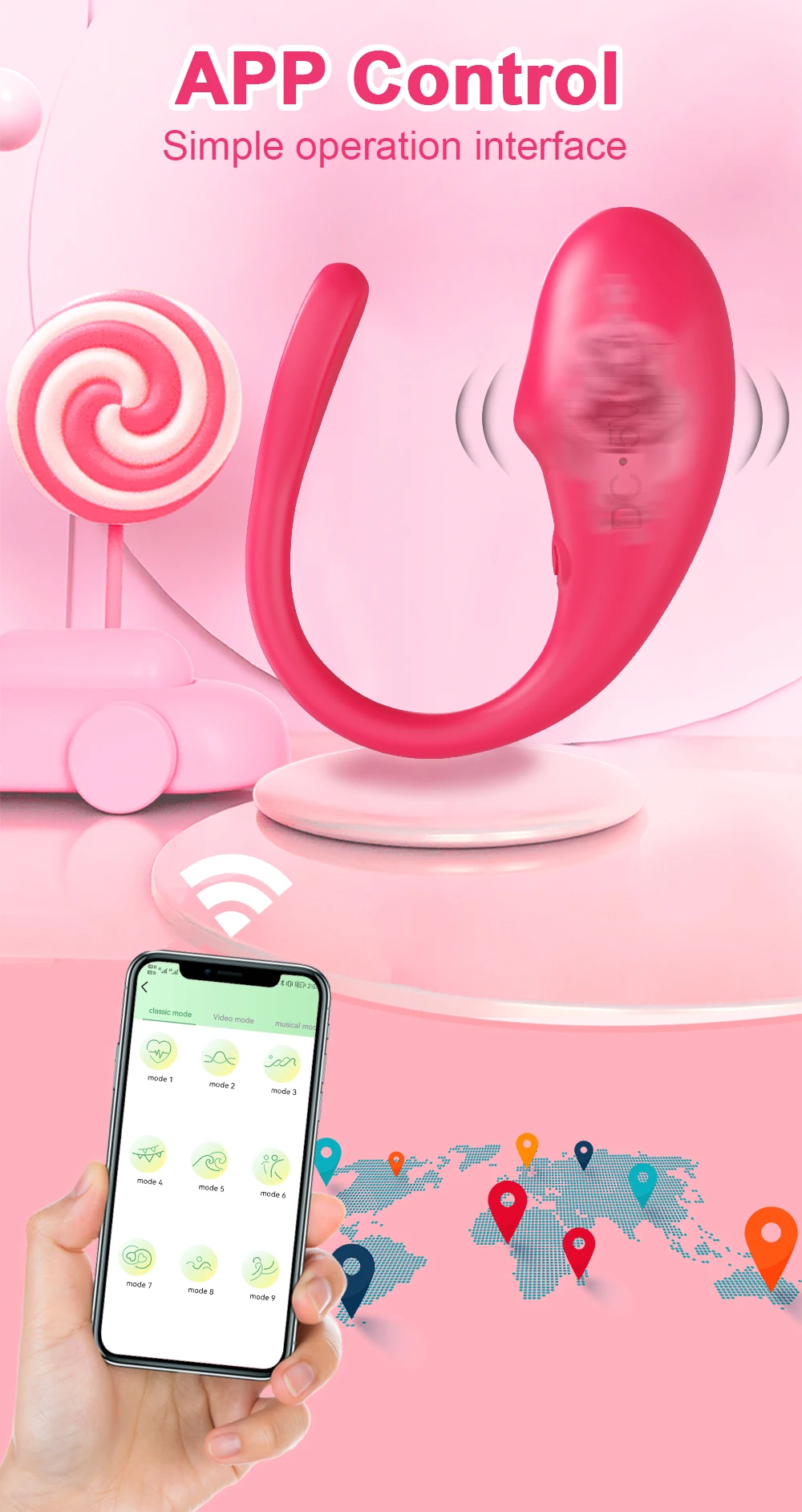
Smart App Controlled:
The device connects to the app via Bluetooth and is compatible with both iOS and Android. -
Long-Distance Play:
Use the app to make video calls with your partner from anywhere with an internet connection and share control of the toy. -
Premium Materials:
The G-spot vibrator is made of safe silicone and is free from latex and phthalates. It features a soft, realistic tip and is firm enough for easy insertion. -
Packaging & After-Sales:
We take your privacy very seriously! Your order will be delivered in discreet packaging.
How to Use
No-App Control Mode
Press and hold the power button for 3–5 seconds to turn on the device.
Short-press the power button to switch vibration modes.
App Connection Guide
Please make sure your phone’s Bluetooth is turned on.
Step 1:
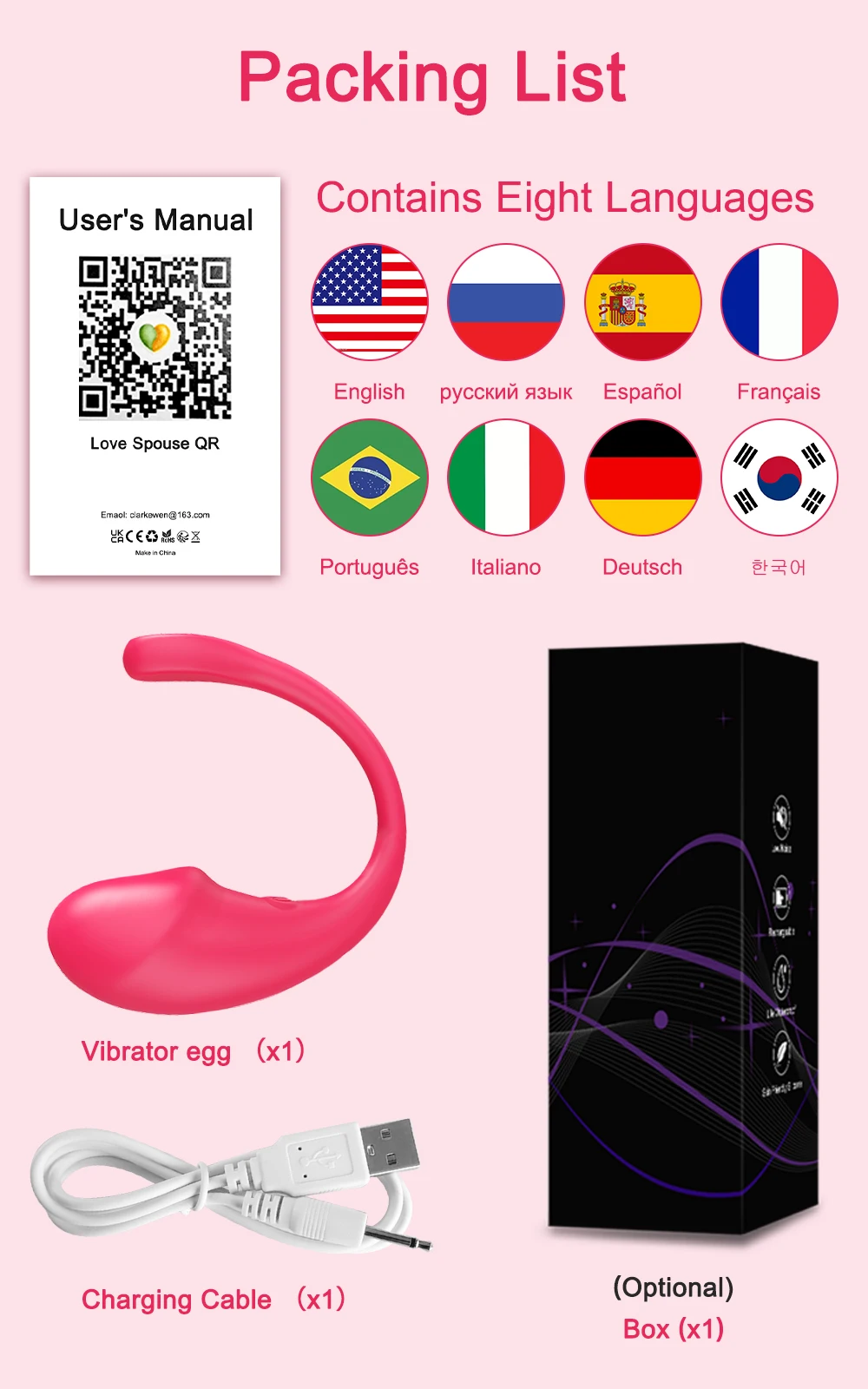
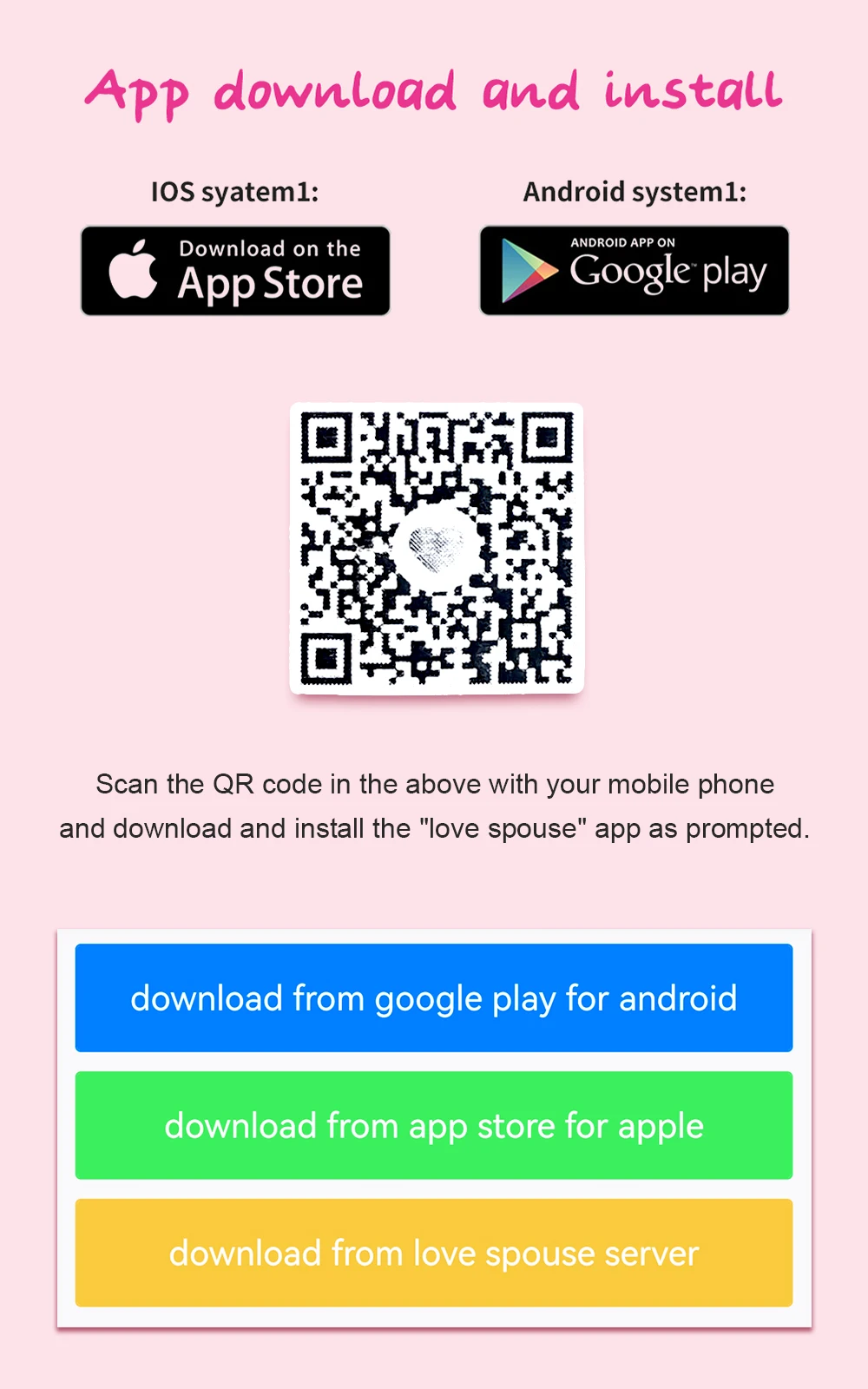
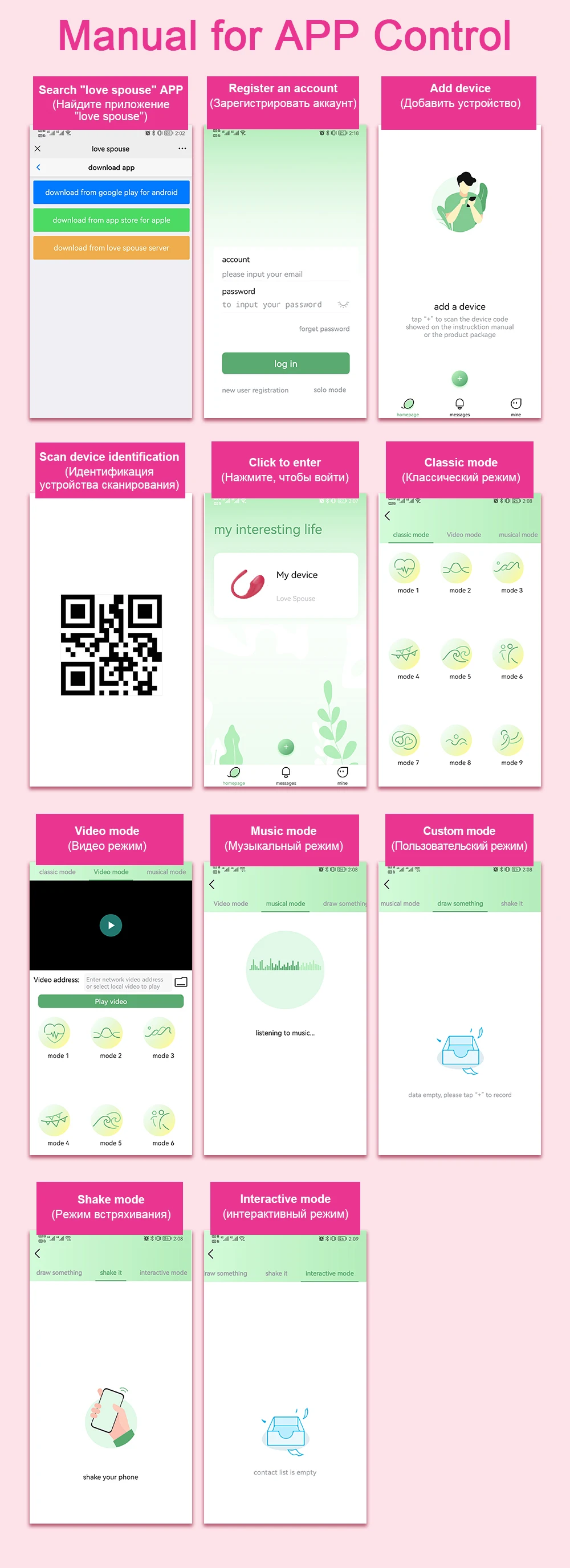
Scan the MIREA AI QR code to download the app (or search for “Love Spouse” in the App Store). Register as a new user and remember your account details.
Step 2:
Press and hold the power button to turn on the product and enable Bluetooth on your phone.
Open the app, tap “My Model,” and allow it to search automatically for the device.
Once found, tap “Connect” in the lower right corner. Wait a few seconds until the connection is successful.
Step 3:
Make sure the vibrator is turned on by pressing and holding the power button for 3–5 seconds.
Step 4:
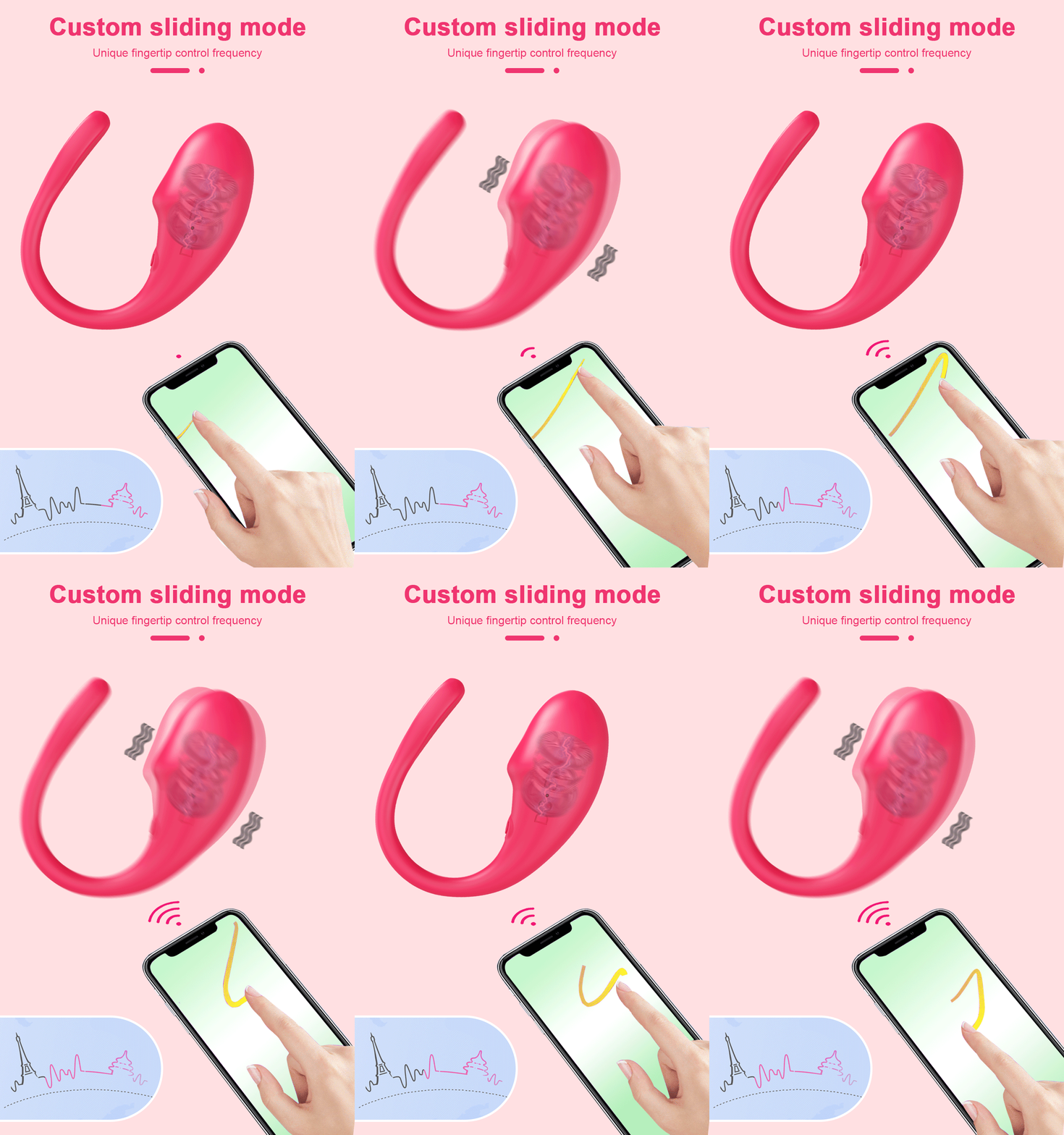
Use your phone to control the vibrator.
Step 5:
Ask your partner to download and register the “MIREA AI” app.
Step 6:
Tap “Share” in the bottom-right corner and choose a sharing method. You can share via WeChat or copy the password to send on Facebook so your partner can connect.
Partner Control – Important Notice
Do not turn on the device while it is charging.
For safety reasons, the vibrator cannot be operated during charging.